
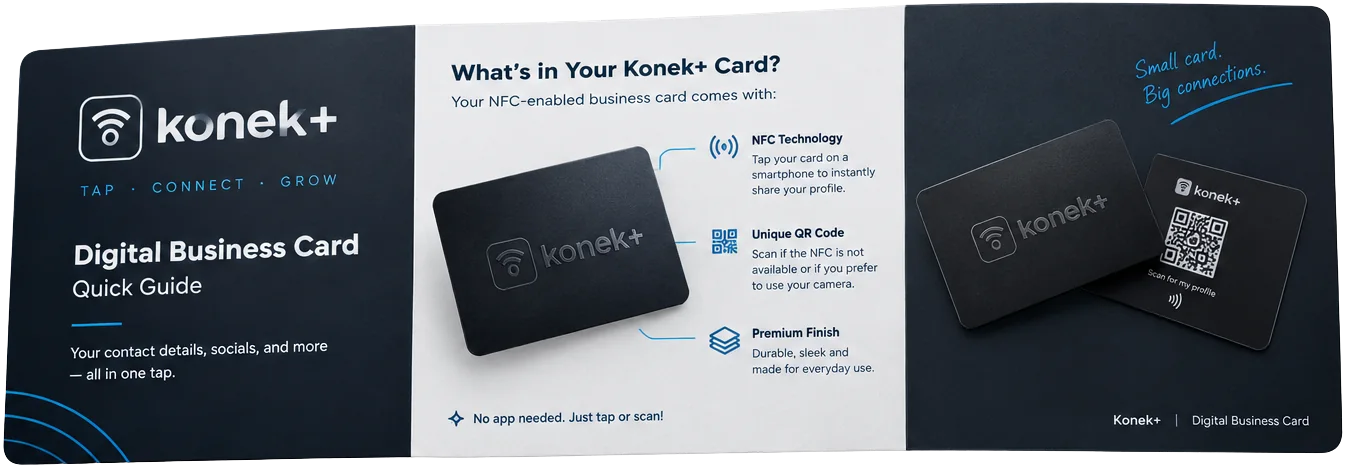
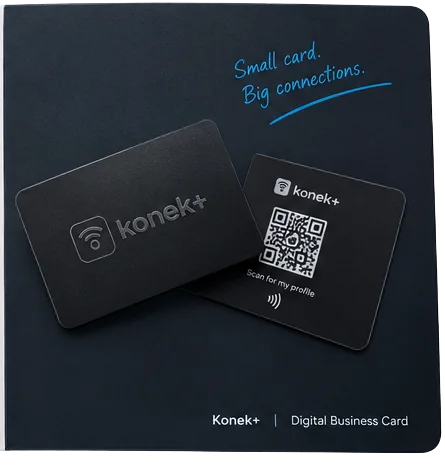
Your Konek+ quick guide
Everything from the paper guide in your box, always at hand.
Swipe to flip through the guide →
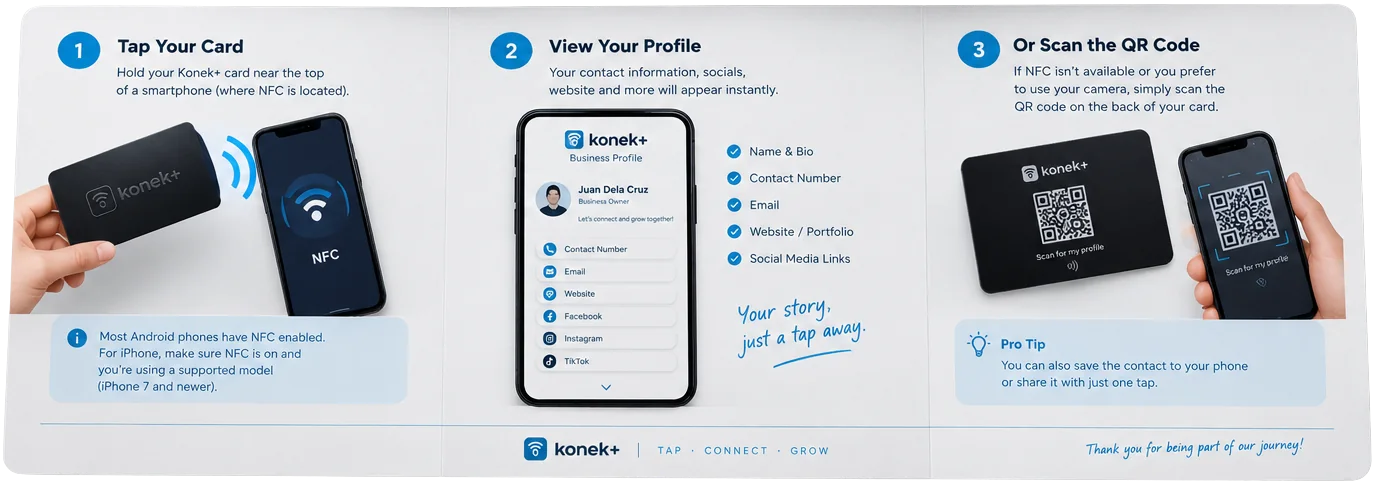
Three ways it works
- 1
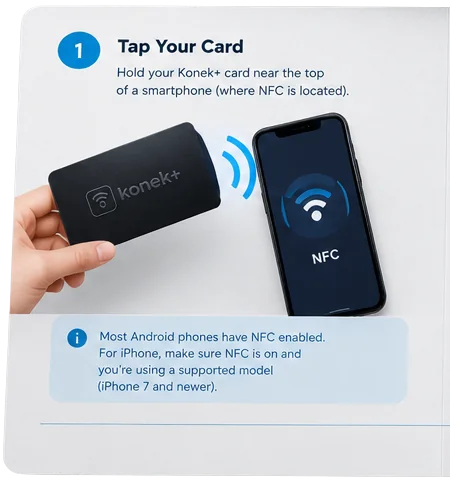
Tap your card
Hold your Konek+ card near the top of a smartphone, where NFC is located.
- 2
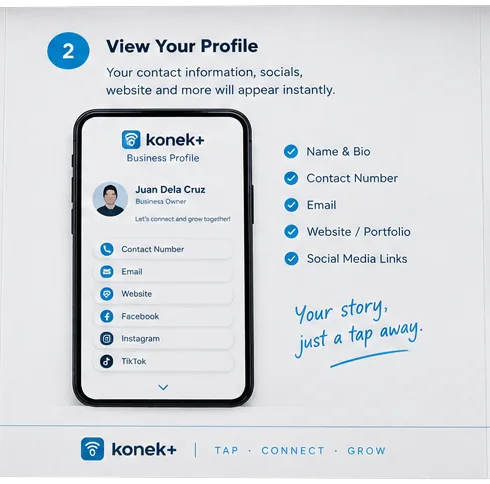
View your profile
Your contact details, socials, website and more appear instantly.
- 3
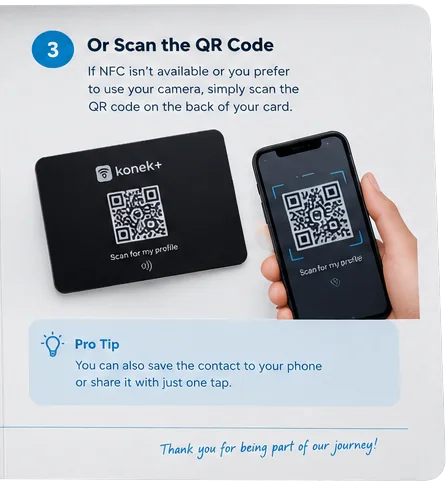
Or scan the QR code
If NFC isn't available or you prefer your camera, scan the QR code on the back of your card.
Most Android phones have NFC enabled. On iPhone, make sure NFC is on and you're using a supported model (iPhone 7 and newer).
Pro tip: you can also save the contact to your phone, or share it, with just one tap.
First time? Activate your card
Every new card needs a one-minute activation before it shows your profile.
- 1
Find your PIN
The 6-digit activation PIN is printed on the sleeve your card came in. Keep the sleeve until you're done.
- 2
Tap your card
Hold the card to the top of your phone, or scan the QR code on its back, to open the activation page.
- 3
Enter the PIN
Type the PIN. Your name, email and phone are filled in from your order.
- 4
Set up your profile
Create your account, then add your photo, title and links. Tap the card again to see it live.
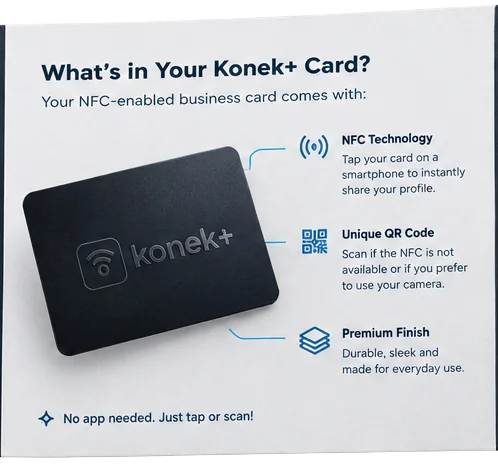
No app needed. Just tap or scan!